 MyStory
Every guest's photos, in one place.
The best photos of your day are on your guests' phones. Put a card on each table: they scan it, add their photos and videos, and you get them all - the same evening, in one story.
Set up guest photos- Weddings
- Birthdays
- Confirmations
- Anniversaries
- Reunions
- Company parties
For your guests it takes three steps
- 1
Scan the card
The camera opens the story's guest page. Nothing to install, no account.
- 2
Choose photos
Photos and videos from the phone, with their name if they like.
- 3
Watch them send
Each photo shows how far it has come, and when it has arrived.
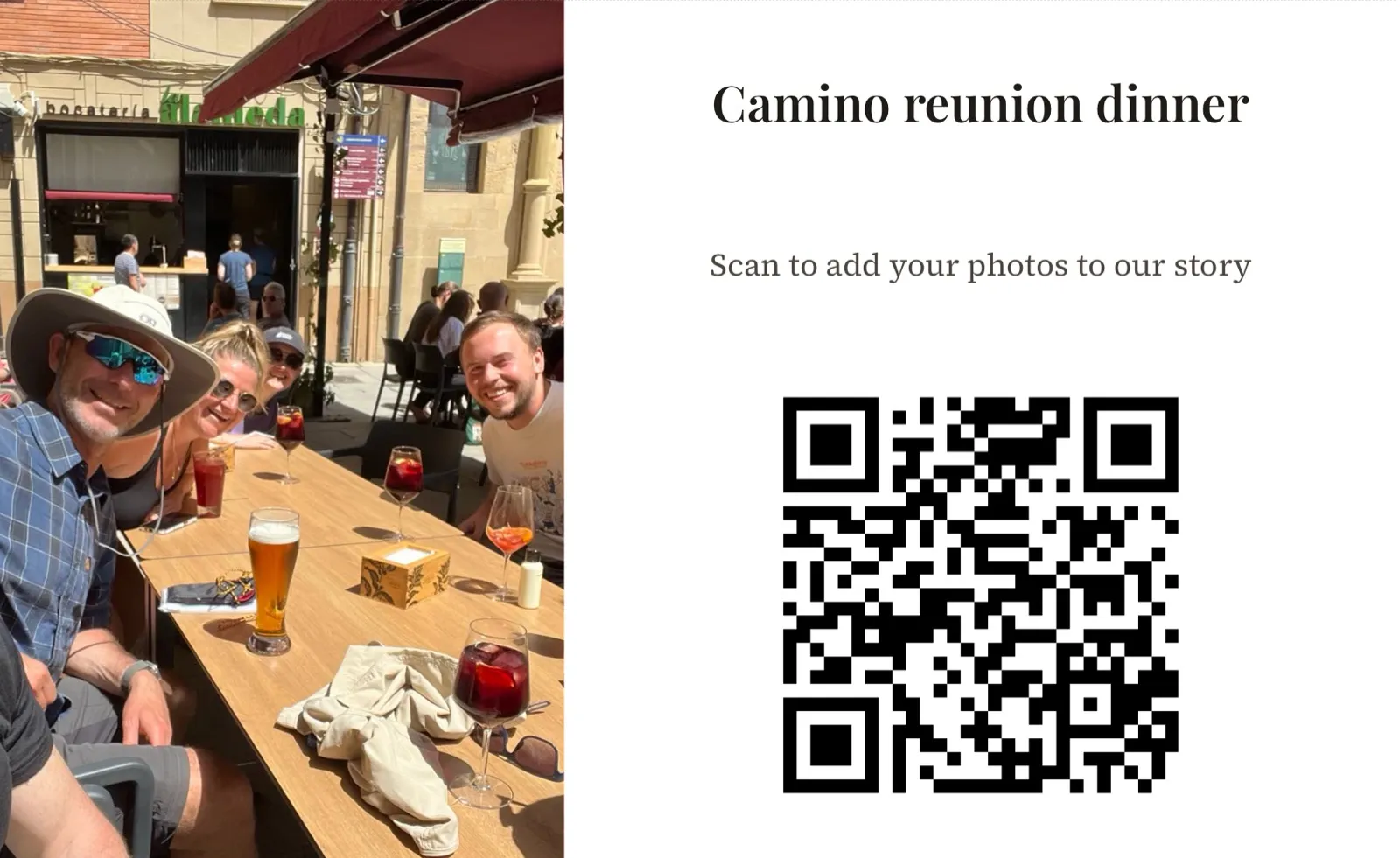
Cards for the tables, ready to print
Make a card with the story's QR code in one or two sizes. Print it at home on A4, fold it, and stand it on the table - it reads from both sides.
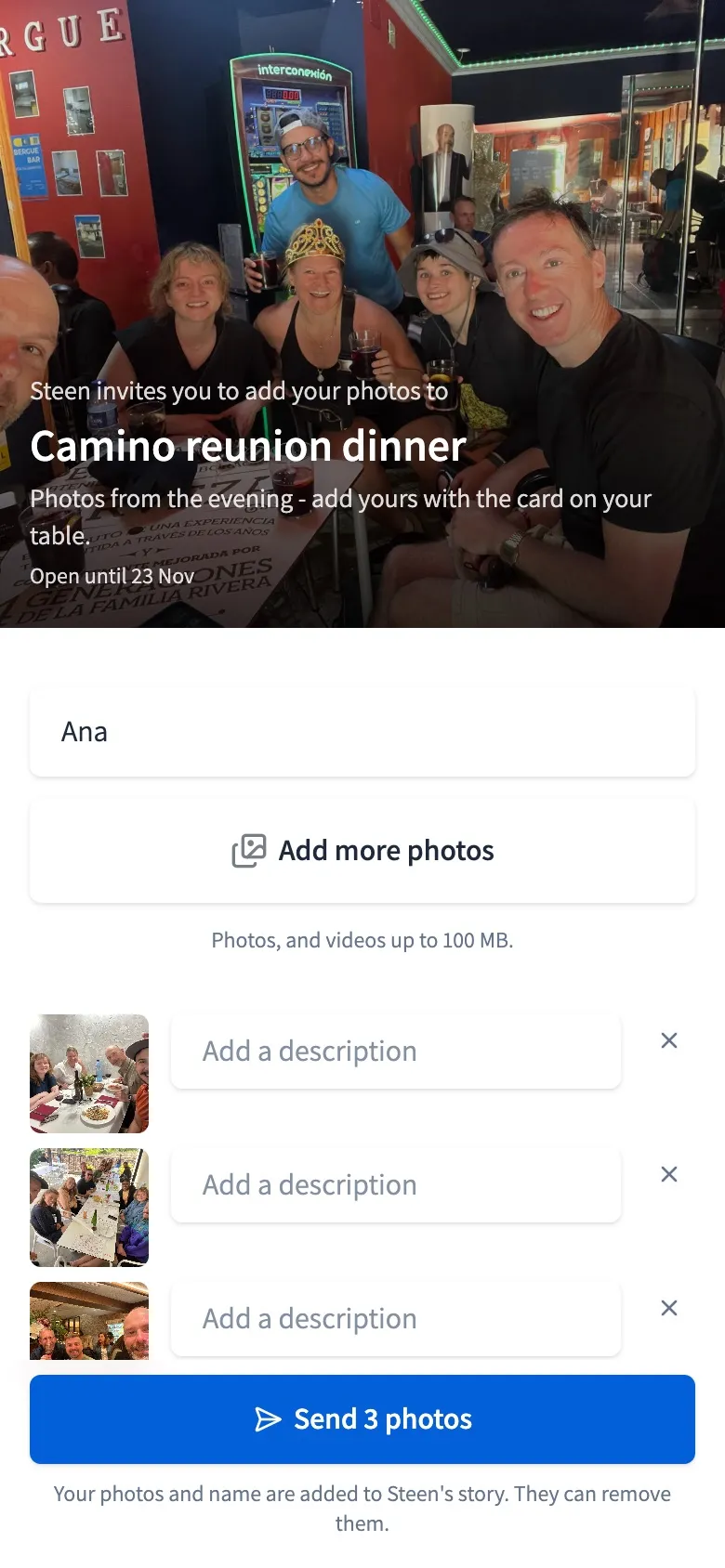
A guest page with your cover
Guests see your story's title, cover and a line from you - not the story itself. You decide until when the link takes photos.
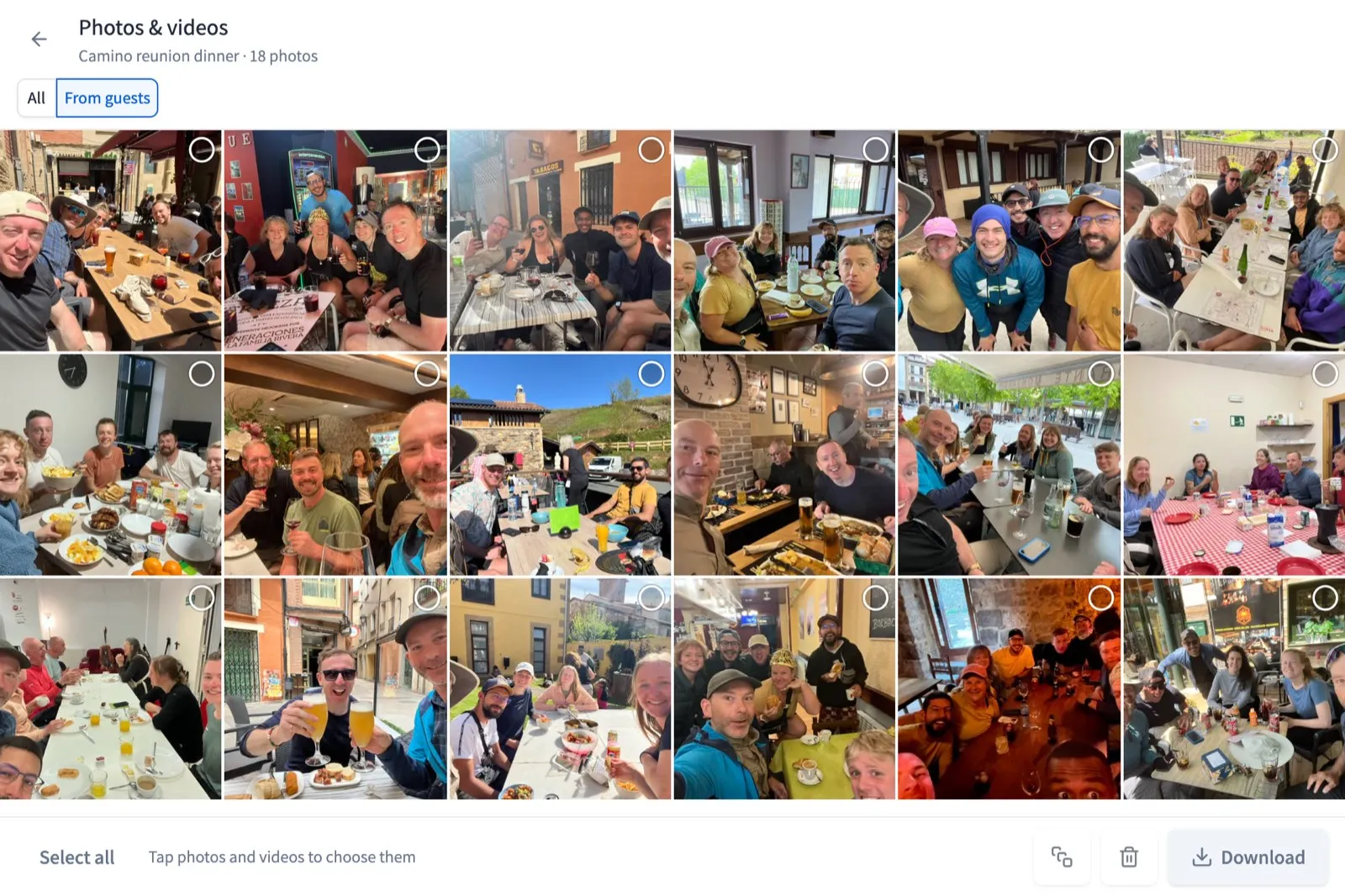
Everything arrives in your story
Photos and videos land in the story as they are sent, marked with who sent them. Remove what you do not want, and share the rest when you are ready.
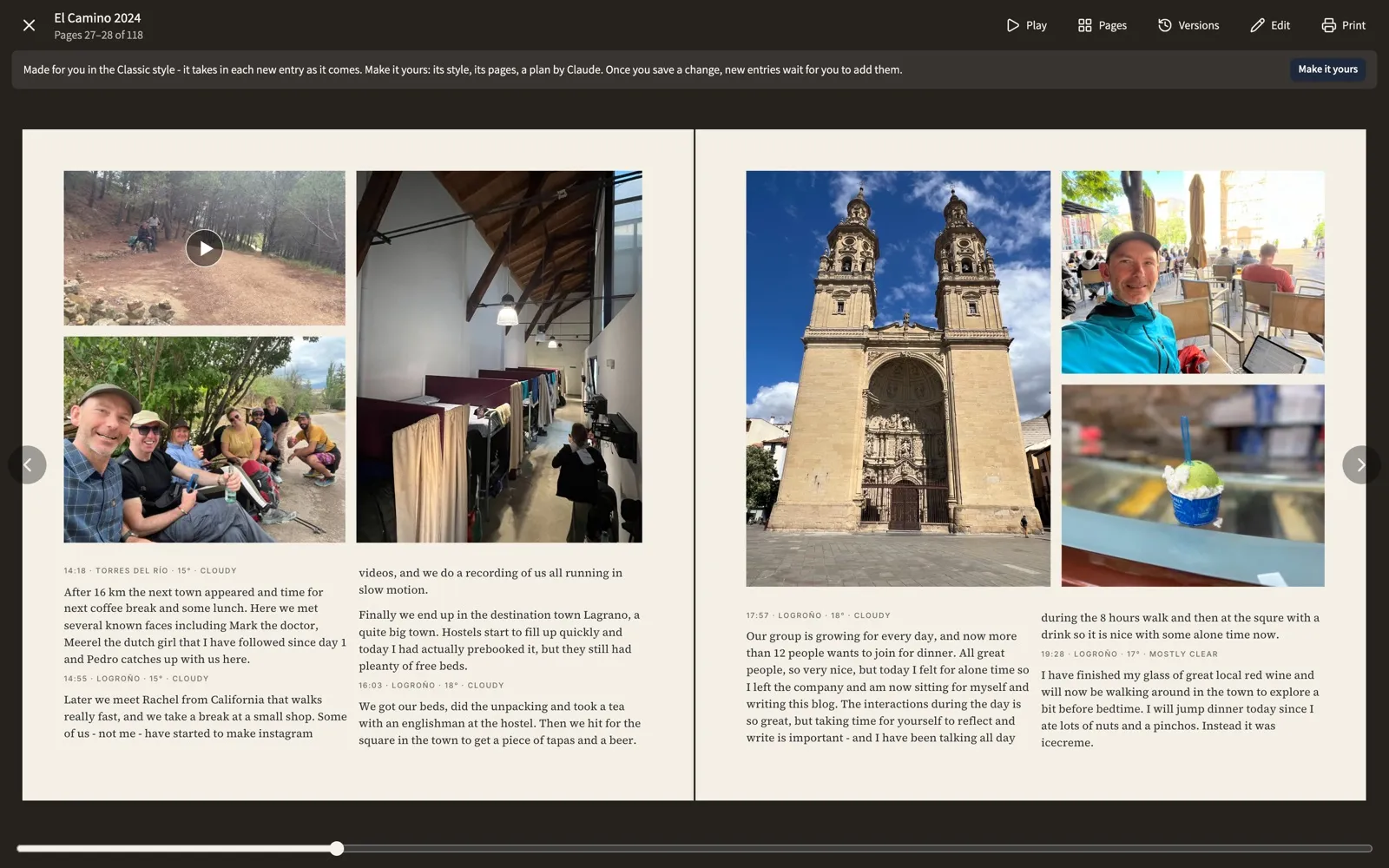
From the party to a book
Your own photos and your guests', laid out as a photo book. Order a printed copy for yourselves, or one for your parents.
Questions from hosts
Do my guests need an app or an account?
No. The card opens a web page on their phone, where they add photos and videos straight away.
Can guests see each other's photos?
Only if you want them to. You choose whether the guest page shows the latest photos; the story itself stays yours until you share it.
How long can guests add photos?
You choose the last day when you turn the guest link on - a month ahead unless you pick another. You can turn it off at any time.
Which plan do I need?
Guest photos and table cards come with Plus, on the plan of the story's owner. Your guests need nothing.
Make the day's story together.
A story, a guest link and cards for the tables: ready in a few minutes.
Set up guest photos