 MyStory
WebApp
Start a story
A story is a day, a walk or a trip, told in words, photos, recordings and the route. Stories can sit in a category - stories that belong together, such as a family, a trip or a part of life - or on their own.
- Choose New story: the round + button on Stories or in a category, or on Home the + button and then Create story. Before your first story, Home shows Start your first story instead.
- Answer one question at a time. Back goes a step back, and Skip leaves a question for
later:
- How it starts - an Empty story to write, photograph and record as you go; From photos you already took, each becoming an entry at the time and place it was taken; or Plan a route - stops, days and the route, before you go (the Plus plan).
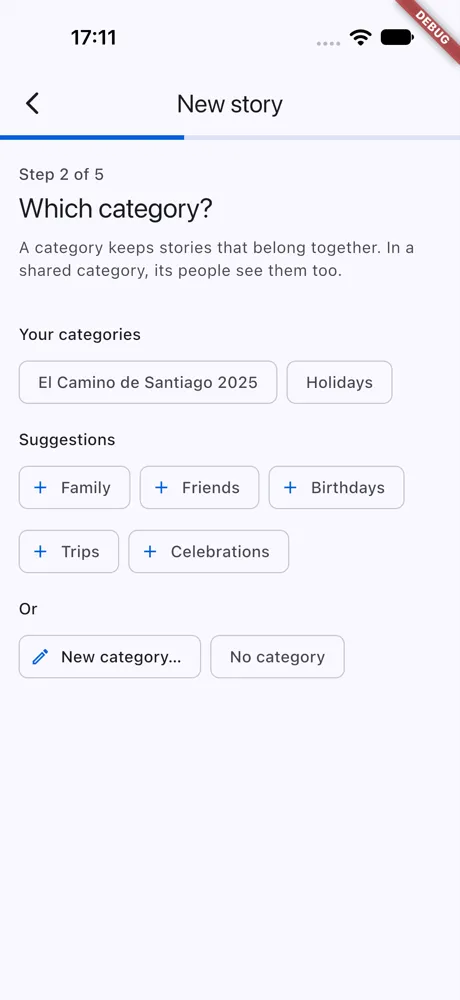
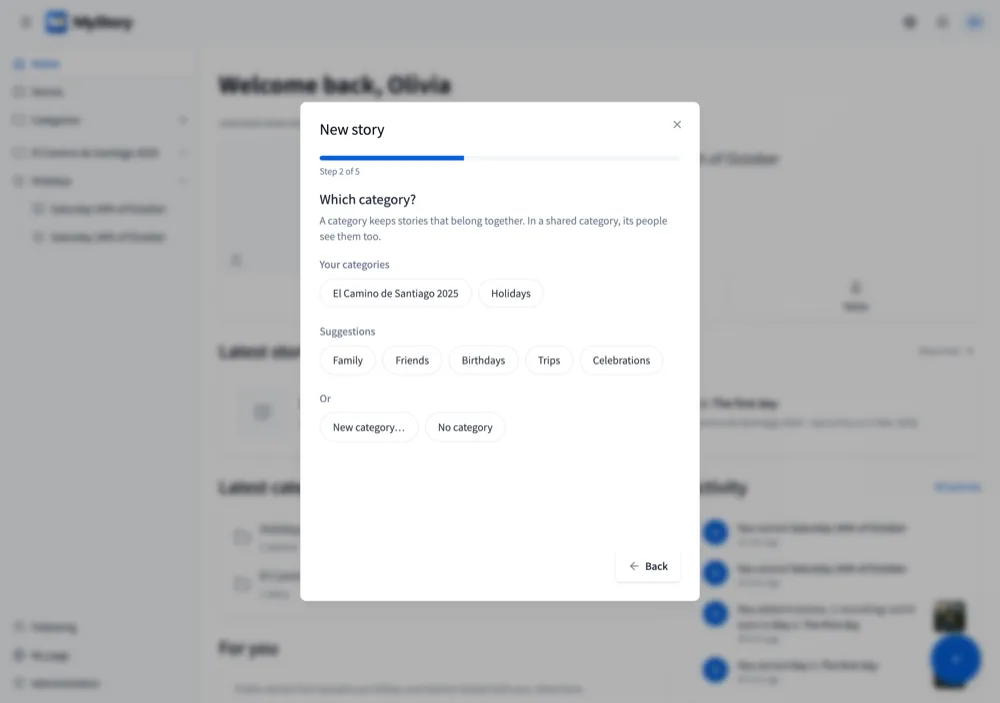
- Which category - one of yours, a suggestion such as Family or Holidays (made when you pick it), a New category… with your own name, or No category.
- Its name - today’s date until you type another. From photos, the story is named after the first photo’s day on the next page.
- Who else is in it - pick from your contacts, search by name, or type an email to invite someone. They add to the story with you.
- Photos from guests - a link and QR code where guests add their photos without an account, until the day you choose (the Plus plan).
- Choose Create story (from photos, Choose photos). The story opens ready for your first entry; with a guest link, its QR code shows first, ready to share.
The story you continue
The story you last added to is the one Home continues: its card is at the top, with Camera, Note and Voice under it (Photos instead of Camera on a computer), so you can add to it at once. A new story becomes that story. Finishing a story ends it.
Good to know
- An Empty story works without a connection in the app; the story is saved when you are online again. Adding people and a guest link needs a connection: do it later from the story.
- A story without a category goes in Uncategorized.
- From photos takes up to 200 photos in the app. With a connection, MyStory can write the title from your summary of the day.
- The Free plan has a limit on how many stories you can have; Plan & usage (your avatar menu) shows yours.