 MyStory
Web
Add your photos to someone’s story
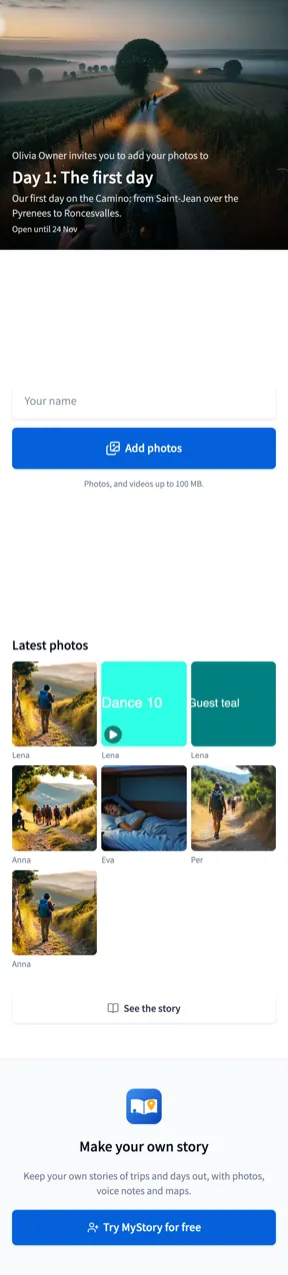
Someone gave you a link, or there is a code on the table: it opens a page where you add your photos to their story. You don’t need an account.
- Open the link, or scan the code with your phone’s camera.
- Write your name in Your name - so they know who took the photos. Your browser remembers it.
- Choose Add photos, and choose photos from your library or take new ones. Videos up to 100 MB go too.
- Write a description beside a photo if you like.
- Choose Send. Each photo shows how far it has got, the button counts them as they go, and “Thank you!” says they are added. Stay on the page until then.
Good to know
- Your photos shows what you added from this browser - delete one you didn’t mean to send.
- Latest photos shows what other guests added, unless the story’s owner hides them.
- Your photos and your name are added to the owner’s story, and they can remove them.
- When the link has ended, the page says so: ask the story’s owner for a new one.